MS Word Mastery
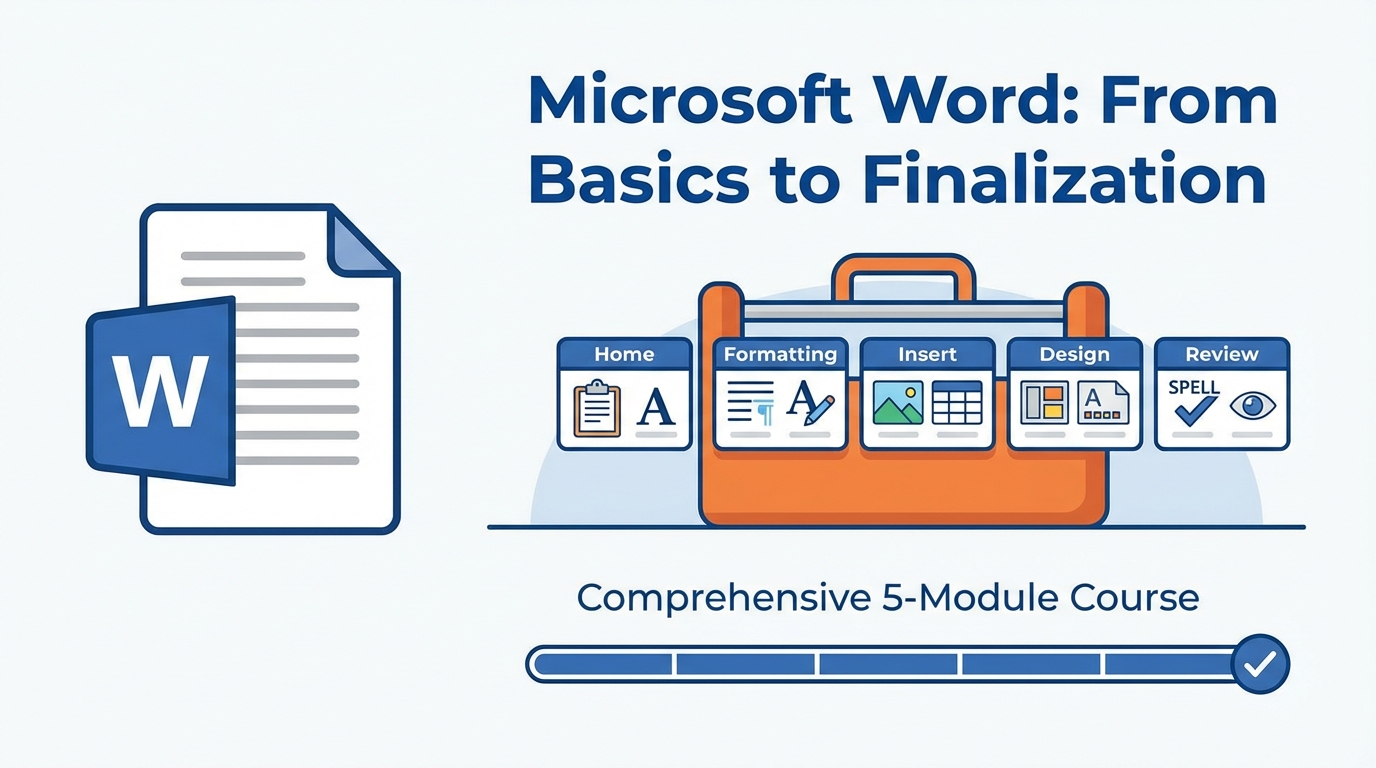
Master Microsoft Word from basics to advanced features. Learn document formatting, styles, references, and professional layout techniques through hands-on video lessons.
Prerequisites
- Basic computer skills and familiarity with Windows or macOS
- Microsoft Word installed (2016 or later recommended)
- No prior experience with Word required
Course Curriculum
Getting Started & Home Tab Basics
Learn the File tab and essential Home tab functions including clipboard operations and font formatting.
- File tab
- Home clipboard
- Home font
Home Tab Formatting & Styles
Master paragraph formatting, styles, and editing tools to create professional-looking documents.
- Home Paragraph 1
- Home Paragraph 2
- Home styles
- Home Editing
Insert Tab Features
Explore tables, images, shapes, headers, footers, and page numbering to enhance your documents.
- Insert Part 1-6
- Page Numbering
Document Design & Layout
Apply themes, page layout settings, and reference tools like citations and table of contents.
- Design tab
- Page Layout tab
- Reference tab
Review & Finalization
Use review tools, view options, and finalization techniques to polish and share your documents.
- Review & View tabs
- Finalizing MS Word
What You'll Learn
- Navigate the MS Word interface and use the File tab effectively
- Format text, paragraphs, and apply styles for consistent document design
- Insert and manage tables, images, headers, footers, and page numbers
- Apply themes, page layout settings, and create references like citations
- Use review tools and finalize documents for professional sharing
Meet Your Instructor

Musab Ali
Musab Ali is an accomplished pharmacist and academic researcher with a strong passion for leveraging computational methods in the discovery and design of new therapeutic agents.